Zencare Help Center home page
  • Submit a request
  • Sign in
  • Submit a request
  1. Zencare
  2. Zencare Marketing Help Center
  3. Photos & Video

How can I add my video to my Brightervision website?

March 04, 2026 16:13 Updated
  1. Log into the Members Portal.
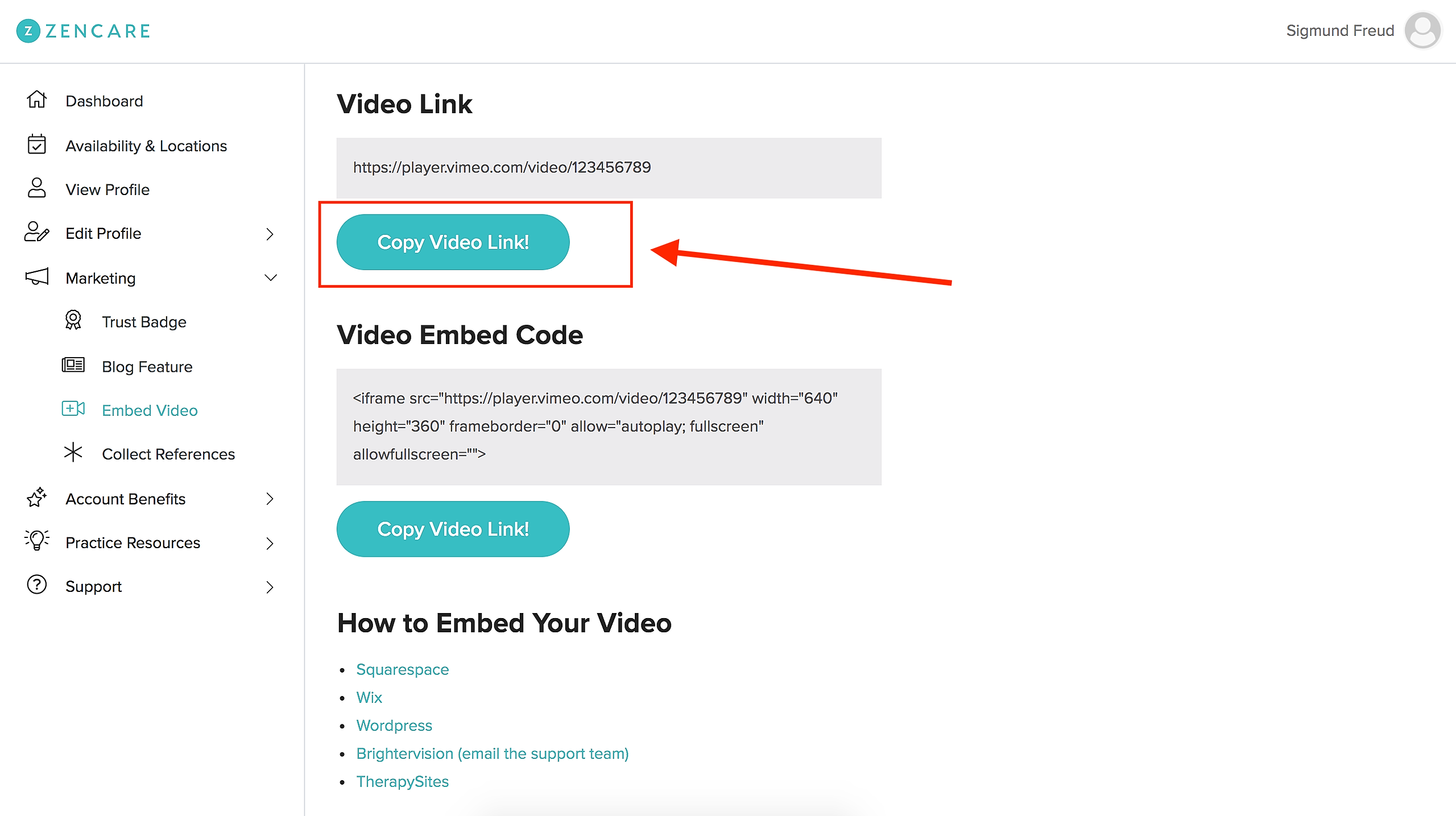
  2. Copy the link to your video on the Embed Video tab.
  3. Email the Brightervision team at support@brightervision.com :)

Please note this is only available if you have a video on your Zencare account.
Was this article helpful?

0 out of 0 found this helpful
Have more questions? Submit a request
Return to top

Related articles

  • How do I reschedule my photoshoot?
Zencare