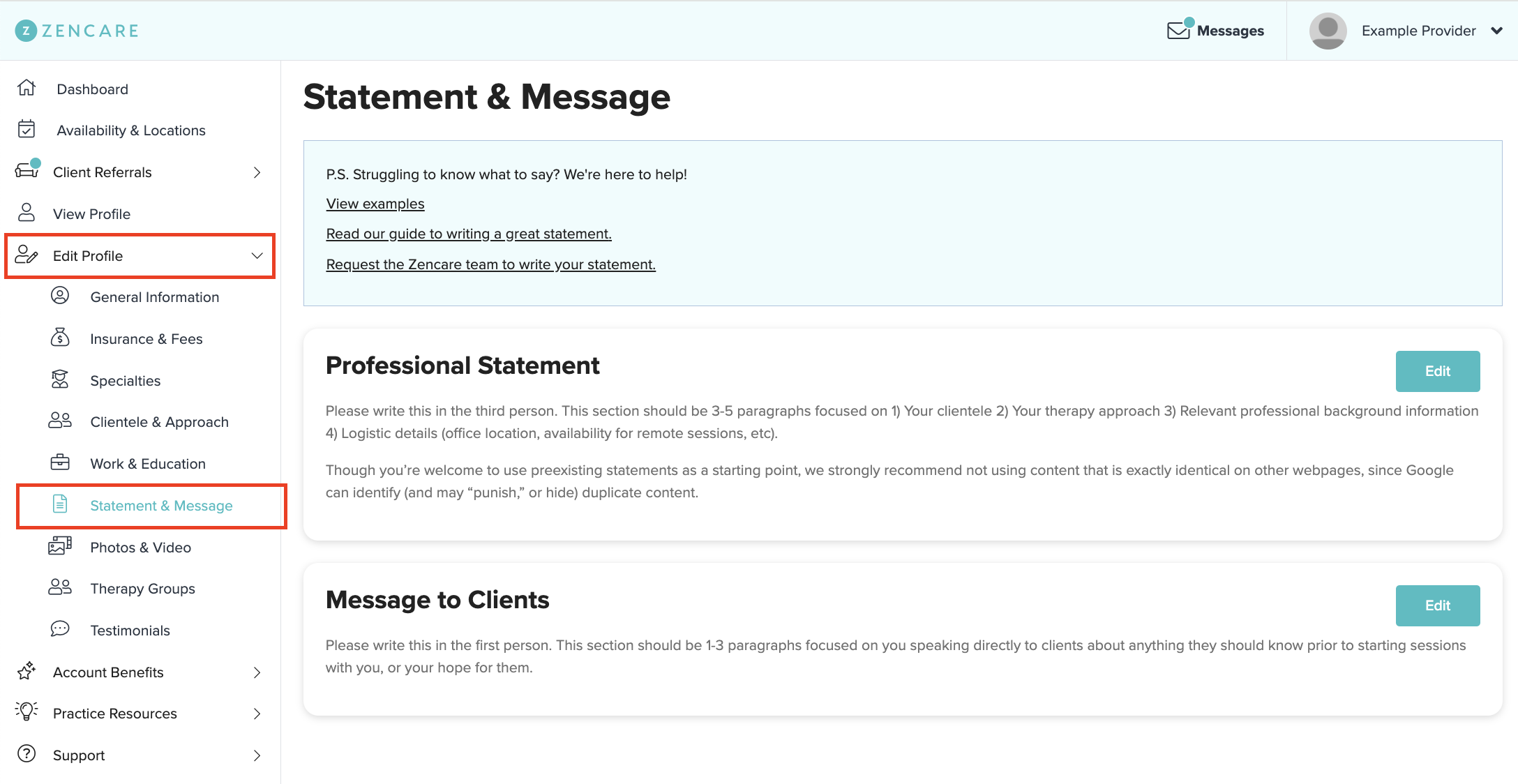
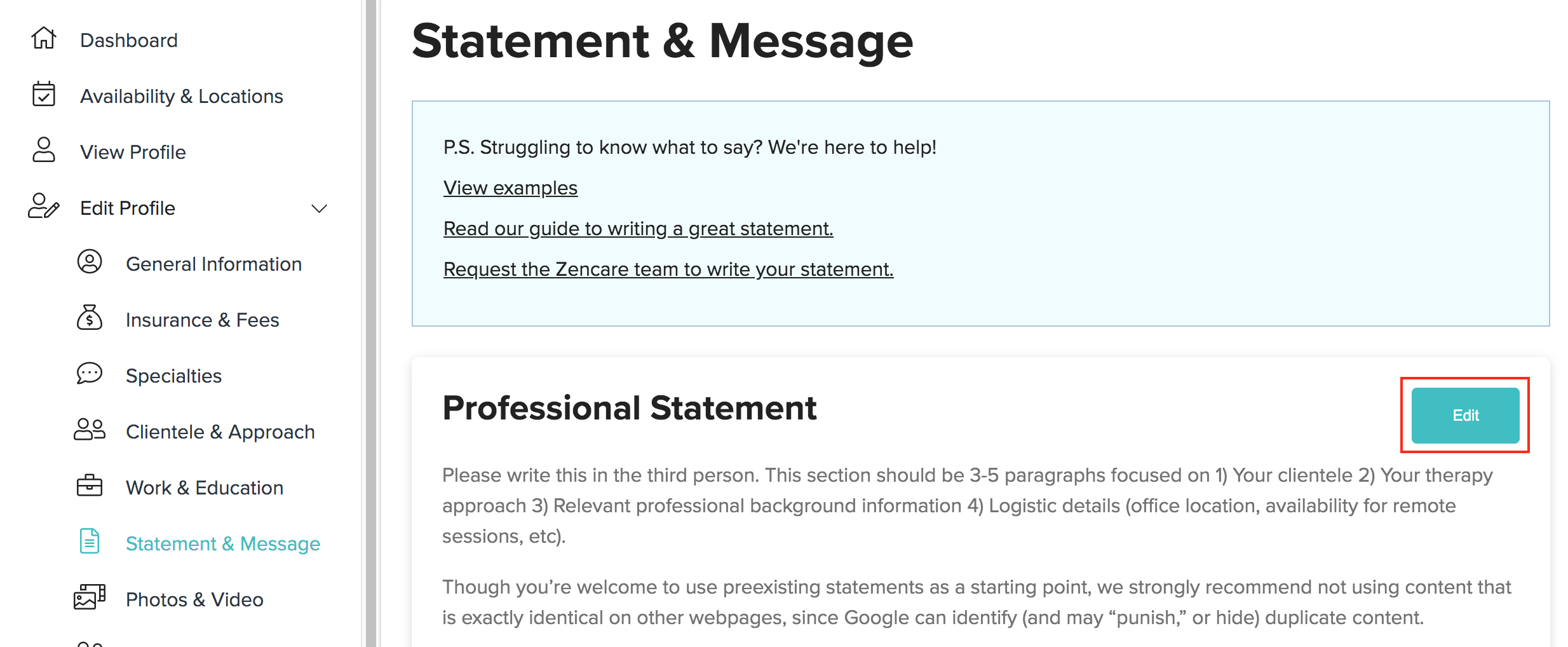
How do I update my professional statement and message to clients? Zachary Freeman Updated March 04, 2026 16:13 Share Log into members.zencare.co. Head to the Edit Profile section > Statement & Message. Click the "Edit" button to update your professional statement or scroll down and click the second "Edit" button to update your message to clients. Need help creating your professional statement? Here are some tips!You can also request the Zencare team to write your statement. Need help creating your message to clients? Here are some tips!To help prospective clients hear each provider’s unique voice, we don’t currently offer copywriting for the message to clients.


Comments
Please sign in to leave a comment.