
- Log into the Members Portal.
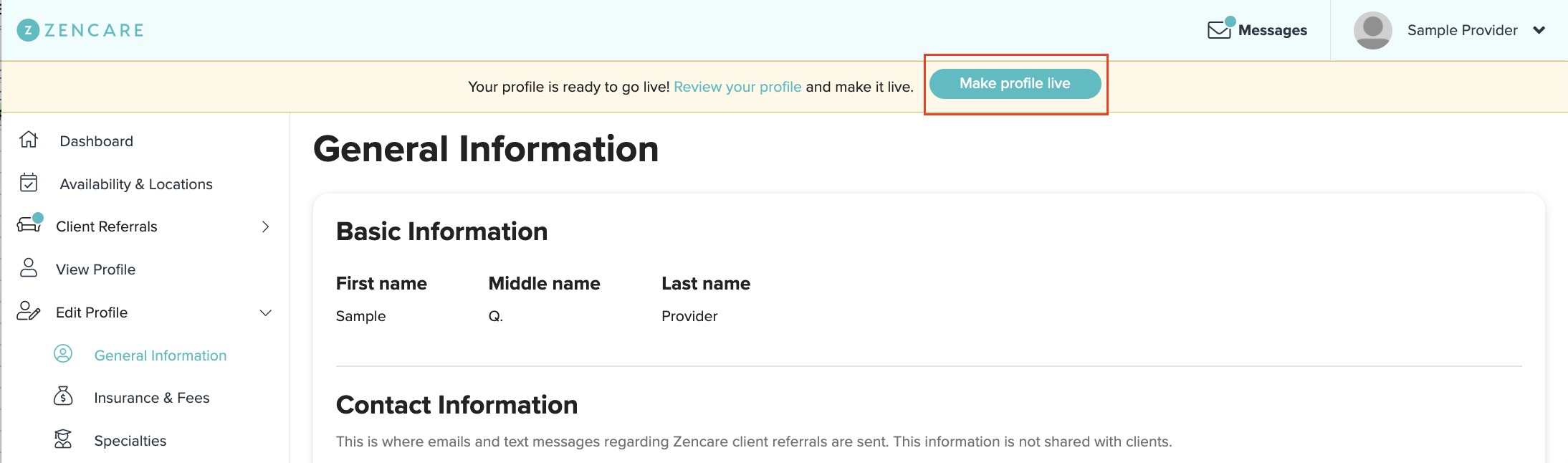
- If you've filled out all required fields, you'll see a yellow banner at the top asking you to review your profile and request to go live.
- If everything looks good, click on the turquoise "Make profile live" button!
- Our team will make the profile live within 48 business hours after we have verified your licensure.
Comments
Please sign in to leave a comment.