
If your practice is offering something unique, or if there's been an important update that you want to be sure therapy-seekers see right away, we recommend writing a notice so that this information is clear & visible when folks visit your page. Here's how to set that up:
- Log into your Member's Portal.
- Navigate to the Availability & Locations tab.
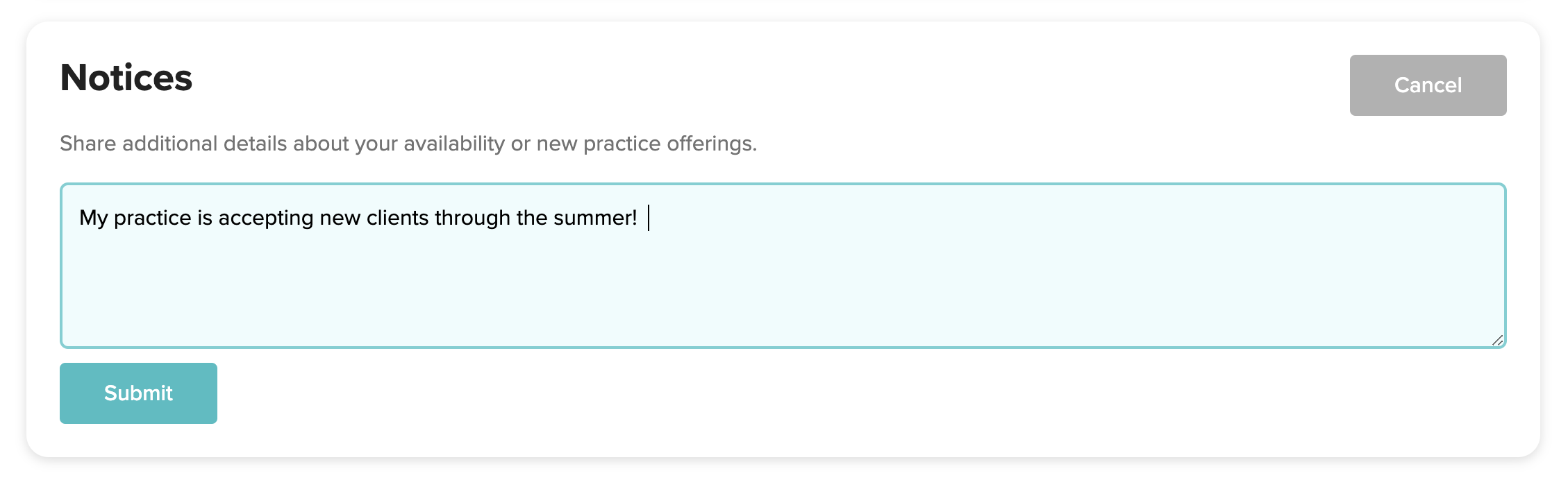
- Edit the wording to reflect your updates in the "Notices" section, then hit submit!
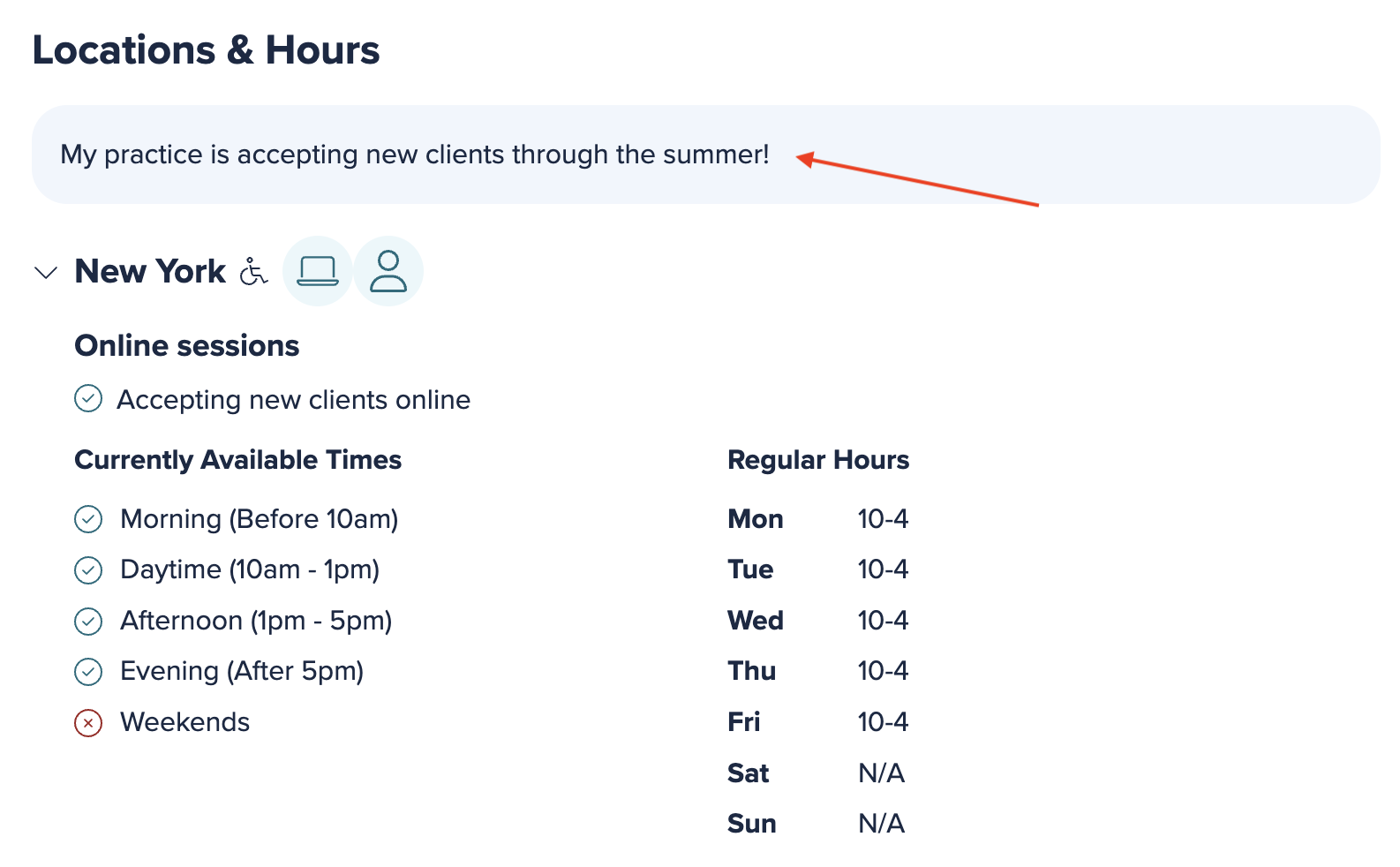
- The update will then be reflected at the top of the Locations & Hours section of your profile.
Comments
Please sign in to leave a comment.